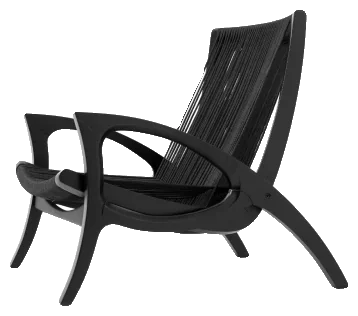

Бібліотека
Шукаєте за категорією, назвою чи брендом і бачите прев’ю до завантаження. Якщо товар справді продається, у картці вже є бренд, артикул, постачальник і габарити.
FLUIO — це застосунок для Windows, де 3D-блоки, матеріали й HDRI зібрані в одному місці разом з інструментами для всього, що відбувається після завантаження. Ви знаходите потрібне, завантажуєте — і файл приходить уже розкладеним по місцях, готовим до SketchUp або 3ds Max. Без полювання на файли в кожному проєкті.
FLUIO — не черговий сайт для завантаження. І не пак блоків, який купуєш і забуваєш у папці.
Це застосунок, що поєднує величезну бібліотеку з тим, як ви вже працюєте в SketchUp і 3ds Max.
Шукаєте за категорією, назвою чи брендом і бачите прев’ю до завантаження. Якщо товар справді продається, у картці вже є бренд, артикул, постачальник і габарити.
Встановлюєте на Windows і обираєте, де житиме ваша бібліотека. Завантажуєте лише те, що потрібно. Далі застосунок розпаковує, називає й кладе кожен файл на своє місце в обраній папці. Усе на вашому диску. Усе ваше.
Знайшли блок? Більше не треба завантажувати ZIP, шукати його в завантаженнях, розпаковувати, перейменовувати й імпортувати вручну. У 3ds Max кнопка Add to Scene ставить блок у відкриту сцену. У SketchUp — «Вставити в SketchUp».
Ідея проста: менше клопоту з файлами, більше проєктування.
І почати можна, нічого не платячи. У безкоштовному тарифі доступні 3D-бібліотека, матеріали, HDRI, конвертер, UVW Map і FLUIO Base — з 20 блоками, 20 матеріалами й 20 HDRI, щоб спробувати на власному проєкті.
Хочу спробувати FLUIOІнструмент для проєктувальника не може бути гарним лише на сторінці продажу. Він має витримувати середину справжнього проєкту: стислі терміни, правки, клієнта, який передумав напередодні.
Тож не будемо довго пояснювати. Дивіться: блок виходить із бібліотеки й потрапляє в сцену разом із карткою. А далі — те, що відбувається щодня.
Планування готове, камера виставлена, а у вітальні бракує крісла. І ви відкриваєте браузер «буквально на п’ять хвилин». За сорок хвилин у вас три завантажені варіанти: один без матеріалу, інший важить 200 МБ, і в жодному немає артикулу, який попросить клієнт.
Тому ми зібрали все в одному місці:
І є те, що найважливіше наприкінці проєкту. Кожен, хто проєктує, знає питання, яке звучить одразу після того, як клієнт усе затвердив:
«Де це купити?»
У SketchUp усі 37 672 блоків узяті з колекцій самих виробників — це понад 580 брендів із бразильського ринку.
З матеріалами так само: 9 271 з них мають бренд і артикул.
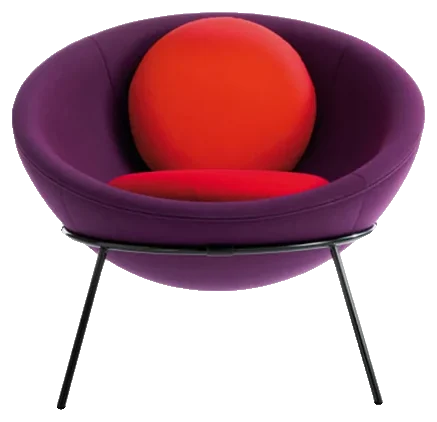
Простіше кажучи: керамограніт, який клієнт затвердив на рендері, має назву, лінію й виробника. Умивальник — той самий, від Deca, і він одразу потрапляє в специфікацію. Нічого не треба шукати потім.
Файли ніколи не були проблемою. Файлів усюди повно.
Проблема — шлях до них. Відкриваєте SketchUp попрацювати, потрібен світильник — і понеслося: один сайт, інший сайт, ZIP, що не відкривається у вашій версії, текстура, яку забули додати. Той блок, що ви брали три проєкти тому, лежить у якійсь папці «Завантаження (3)». Не встигли озирнутися — минула година, а проєкт не зрушив.
І це не одноразова історія. Так щодня, у кожному проєкті. Кожне відволікання дрібне, але вони складаються — і розплачується ваш дедлайн.
Саме це ми й хотіли розв’язати. У FLUIO блок, матеріал і HDRI лежать в одній бібліотеці. Ваша бібліотека впорядкована на вашому диску. А конвертація й виправлення текстур — там само.
Справа не в тому, щоб файлів було більше. Справа в тому, щоб влучати в потрібний і користуватися ним без боротьби.
Завантажте FLUIO для Windows, увійдіть в акаунт і оберіть, де зберігати бібліотеку. Файли залишаються на вашому комп’ютері, а не в хмарі, якою ви не керуєте.
Шукаєте, дивитеся прев’ю, обираєте, завантажуєте. Решту робить застосунок: розпаковує, розкладає й готує файл. Жодного повторення того самого ритуалу для кожного блоку.
Вставляйте одразу в SketchUp або 3ds Max. А коли задача складніша, ніж поставити блок у сцену, конвертер, UVW і порядок у файлах — там само, в одному застосунку.
Для тих, хто вже зрозумів, що час поза проєктом — теж частина його вартості. Просто на кресленні його не видно.
Щоб знаходити меблі, матеріали й оздоблення, не кидаючи проєкт щоразу, коли чогось бракує.
Щоб картинка, яку затверджує клієнт, була зроблена з реальних товарів і оздоблення — тих, що можна закласти в специфікацію.
Щоб вказувати сантехніку, змішувачі, світло й оздоблення з реальним брендом і розміром, не моделюючи кожну деталь з нуля.
Для тих, хто працює з великою бібліотекою й має знаходити, конвертувати, впорядковувати й повторно використовувати без втрати часу.
Для тих, хто живе між блоками, текстурами, HDRI та рендер-рушіями й знає, скільки часу йде на дрібні задачі, що повторюються в кожній сцені.
Для тих, хто роками збирав файли по папках, завантаженнях і ZIP-архівах і хоче перетворити це на бібліотеку, якою справді користується вся команда.
Меблі, світильники, сантехніка, техніка й предмети — для SketchUp і 3ds Max. Дивитеся прев’ю, завантажуєте, вставляєте.
А в товарів, які справді продаються, у картці є бренд, артикул, постачальник і габарити. Тоді блок перестає бути просто «гарним об’єктом на рендері» й справді допомагає під час складання специфікації.
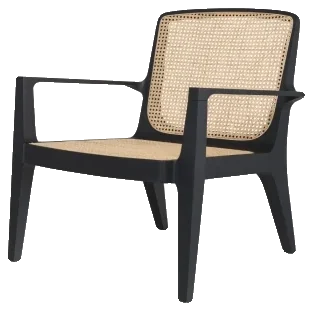 Крісло Bossa
Дерево, камінь, тканина, керамограніт, фарба, МДФ. Текстури й карти, готові до рендеру, а якщо матеріал брендовий — із зазначенням продукту.
Ви обираєте за виглядом і одразу знаєте, що закладати в специфікацію.
Бере файл 3ds Max і перетворює його на компонент SketchUp. Перед конвертацією ви вирішуєте: сітка як в оригіналі чи оптимізована, матеріал у нативному PBR SketchUp чи у V-Ray.
Для конвертації на комп’ютері мають бути встановлені 3ds Max версій 2021–2027 і SketchUp 2025 або новіший.
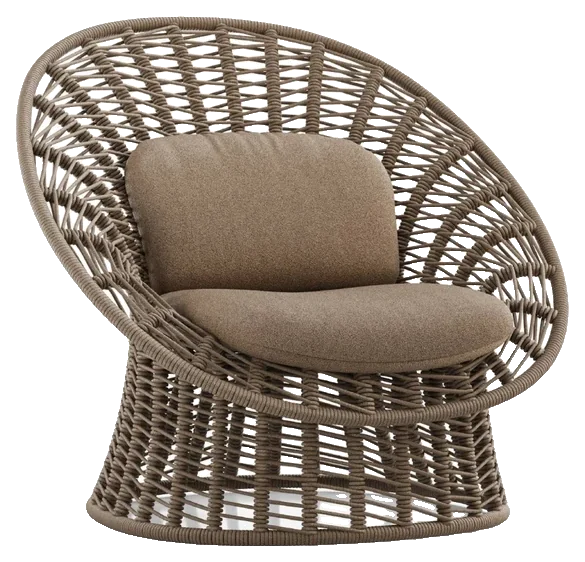
Буває, що матеріал правильний, а картинка все одно не та. Дерево розтягується на вигнутій стільниці, волокна лягають упоперек панелі, камінь рветься на стику. Це не погана текстура. Це проєкція.
В UVW Map ви працюєте зі швами, островами й проєкцією просто в SketchUp і виставляєте напрям, масштаб і безперервність. Особливо важливо для стільниць, панелей, дерева, вигнутих деталей і будь-яких поверхонь, де матеріал зазвичай тягнеться або рветься.
992 HDR-панорами, кожна з прев’ю. Ви бачите небо, оточення й характер світла до того, як витрачати тестовий рендер на кожен варіант. А знайшовши вдалу, знаходите її знову в наступному проєкті.
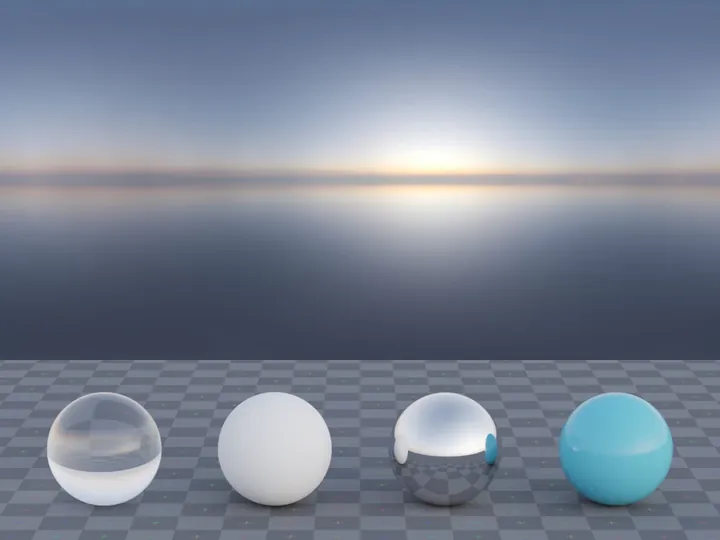
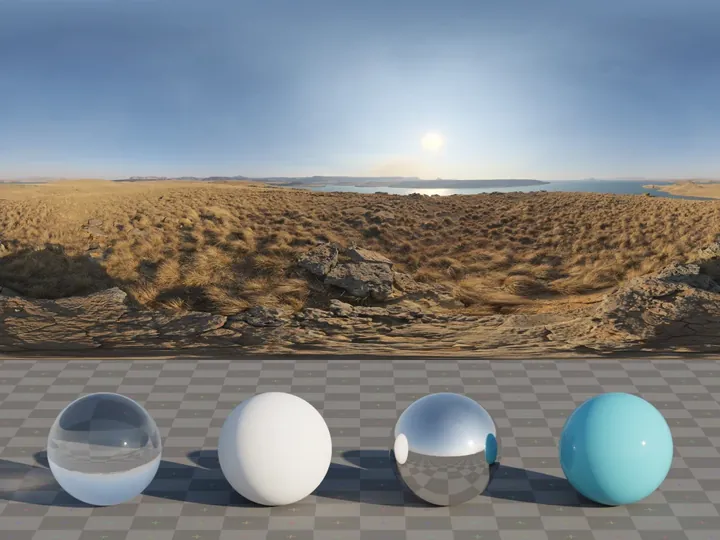
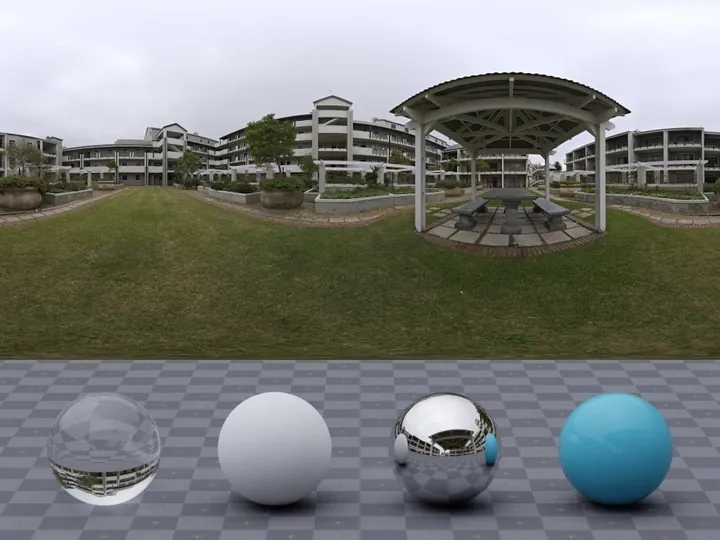
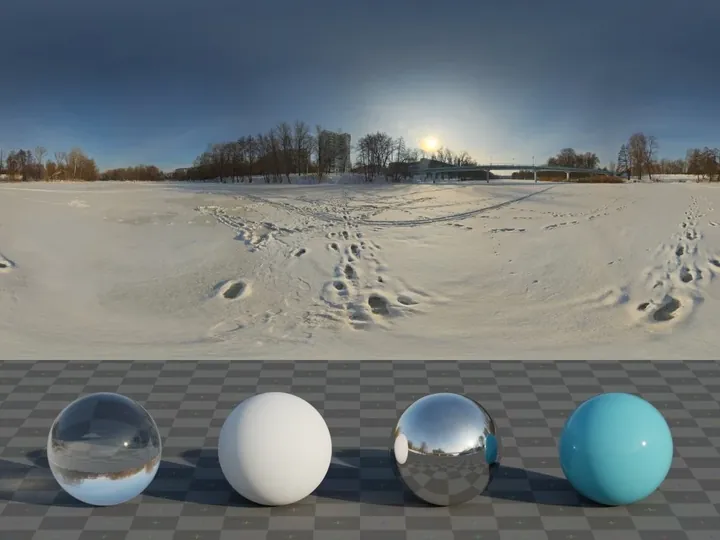
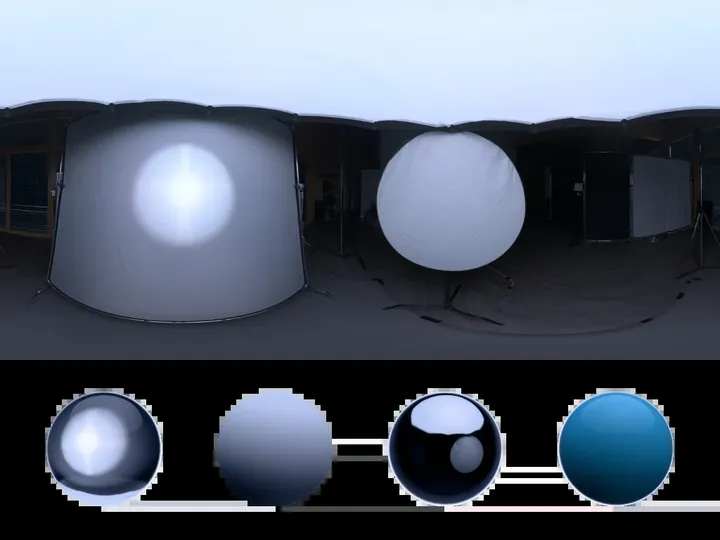 Qwantani на світанкуЧисте небо
Найімовірніше, у вас уже сотні, а то й тисячі файлів. Тільки вони розкидані по папках, ZIP-архівах, старих завантаженнях і назвах, які вже нічого не кажуть.
FLUIO Base упорядковує й цю бібліотеку. Ви задаєте стандарт, розкладаєте об’єкти, створюєте прев’ю й отримуєте інвентар того, що є на комп’ютері, — разом з інструментами для PBR-текстур.
Бо роками збирати файли й не знаходити їх у потрібний момент — майже те саме, що їх не мати.
krislo_final_v3 (1).zipКрісло BowlБлоки / Сидіння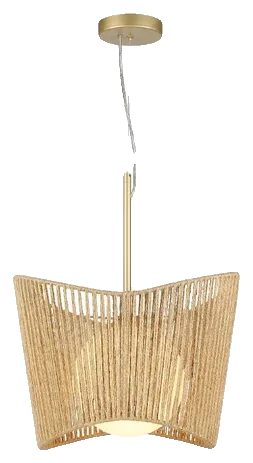 Нова папка (7)/pidves.skpСвітильник CipóБлоки / Освітлення
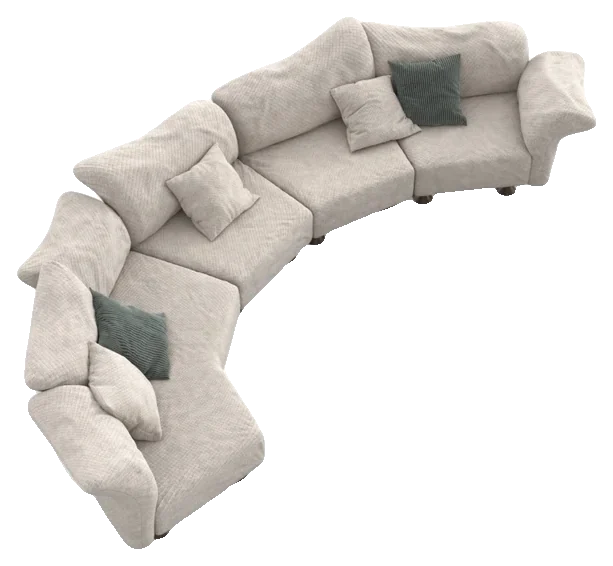 dyvan (2).skpДиван Only MeБлоки / Дивани
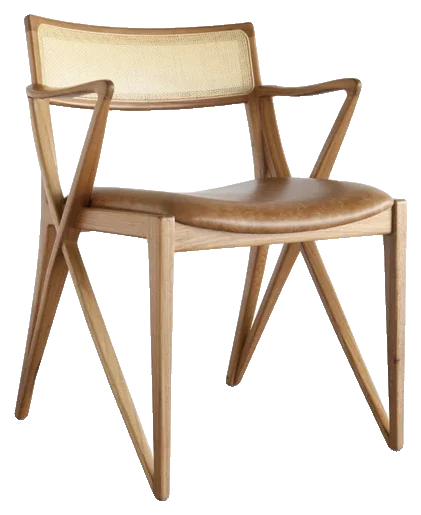 Завантаження (3)/stilets.maxСтілець OliviaБлоки / СтільціКрісло BowlВставитиКрісло BossaЗавантажитиПідвісний світильник CipóВставити
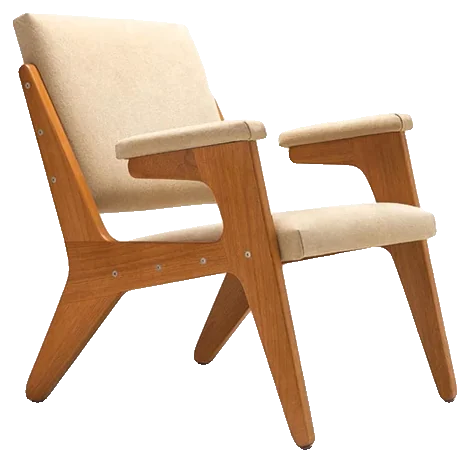 Крісло HЗавантажитиСтілець OliviaВставитиКрісло JasmineЗавантажити
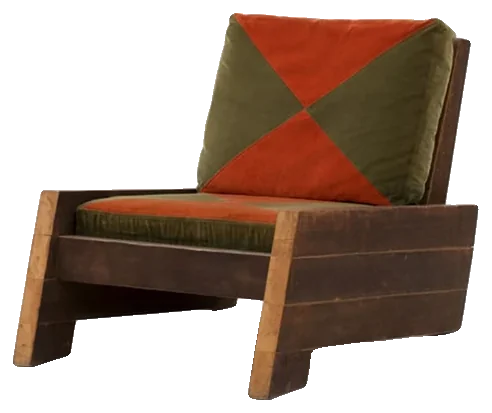 Крісло AstúriasЗавантажити
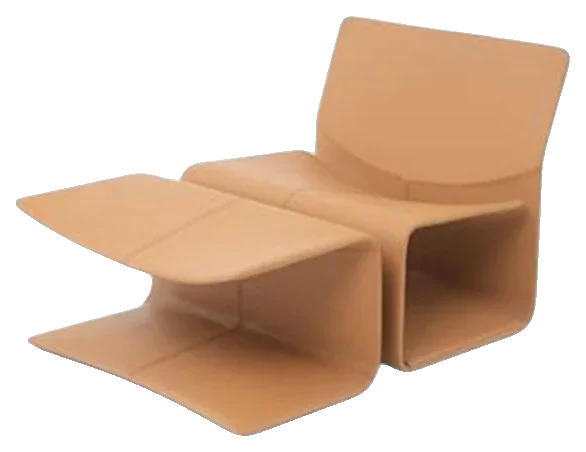 Крісло ÔcaЗавантажити
Купили, а не підійшло? У вас 7 днів після покупки, щоб відмовитися й запросити повернення коштів. Це право на відмову від онлайн-покупки (ст. 49 Кодексу захисту прав споживачів Бразилії), і ми воліємо сказати про це прямо тут, а не ховати в підвалі сайту.
Тож користуйтеся цими днями по-справжньому. Зайдіть у застосунок, вивчіть бібліотеку, перевірте процес на своєму проєкті, відкрийте інструменти. Якщо не впишеться у вашу роботу — просто попросіть.
FLUIO тільки виходить на ринок. Тому ми не заповнюватимемо сторінку вигаданими відгуками й цифрами, яких поки немає.
Перевірити сьогодні можна сам продукт.
І головне: безкоштовний тариф, щоб спробувати до того, як платити.
Не треба вірити обіцянкам. Відкрийте FLUIO й подивіться, як він поводиться у вашому проєкті.
Спробувати FLUIO безкоштовноМене звати Matheus Basílio, я інженер-будівельник, понад 10 років у професії.
За роки роботи з проєктами, бібліотеками файлів, правками, специфікаціями й усіма дрібними задачами, що накопичуються навколо основної роботи, мені стало цілком зрозуміло: більша частина годин втрачається не на проєктування.
Так і з’явився FLUIO. Софт має прибирати кроки зі шляху проєктувальника, а не додавати нові.
Тому я не хотів робити ще одне місце для завантаження файлів. Я поєднав бібліотеку й інструменти в одному процесі, щоб знайти потрібне було лише початком роботи — а не її половиною.
Matheus Basílioзасновник FLUIO
Тим краще. FLUIO не просить викидати те, що ви збирали роками. FLUIO Base якраз і потрібен, щоб навести в цій бібліотеці лад.
І чесно: майже ні в кого в нашій професії файлів не мало. Зазвичай їх забагато — і в потрібний момент їх не знайти.
Можете, звісно. Питання в тому, у що обходиться весь процес.
Безкоштовний файл може не коштувати грошей. Але він коштує часу.
FLUIO продає не просто файл. Він продає найкоротший шлях від «мені це потрібно» до «це вже в моєму проєкті».
Тоді більша частина FLUIO вже для вас. Бібліотека, матеріали, вставка блоків, UVW Map і порядок у файлах працюють просто в SketchUp.
3ds Max потрібен лише для конвертера. Усе інше працює без нього.
Саме для цього й існує безкоштовний тариф. Без підписки: завантажте перші блоки, спробуйте матеріали й HDRI, відкрийте інструменти й подивіться, чи впишеться FLUIO у вашу роботу. Підписуйтеся, лише коли це має сенс.
І не будете. Усе, що ви завантажили, зберігається на вашому комп’ютері. Якщо перестанете платити, зникнуть нові завантаження й функції тарифу — але все, що вже збережено, залишиться з вами.
Я б поставив інше питання: скільки коштує ваша година?
А тепер подумайте, скільки пошуків, завантажень, імпортів, конвертацій і прибирань ви повторюєте за місяць. FLUIO не мусить прибрати їх усі, щоб окупитися. Досить повернути частину цього часу роботі, яка справді приносить гроші.
За FLUIO стоїть простий розрахунок, і ви можете зробити його на своїх цифрах.
Уявіть інтер’єрний проєкт на 40 блоків: меблі, світильники, сантехніка, декор. Якщо на кожен іде хвилин 10 — знайти, завантажити, розпакувати, перевірити, імпортувати, — це майже 7 годин лише на це, ще без матеріалів і HDRI. Тепер помножте на проєкти за місяць.
Кожен ручний крок окремо здається дрібницею. Повторений десятки разів у різних проєктах — уже ні. Саме цю частину FLUIO прибирає або скорочує.
Приклад розрахунку на обраних вами цифрах. Матеріали й HDRI не враховано.
І є ще один, менш очевидний момент.
Треба пам’ятати, де шукати.
залежить від пам’ятіПитання стає іншим: що шукати.
залежить від пошукуТому впорядкована бібліотека — це не «більше файлів». Це робоча інфраструктура.
Вечір четверга, а презентація завтра о дев’ятій.
Клієнт попросив змінити плитку у вітальні, а нічого з того, що є у вас на диску, навіть близько не схоже на те, що він описав.
Крісло, яке він полюбив на останньому рендері, не має жодного артикулу — ви завантажили його із сайту, якого навіть не пам’ятаєте.
Небо на тестовому рендері вийшло пласким.
І ви точно пам’ятаєте, що у вас уже був схожий світильник, тільки не знаєте, в якій папці.
Наприкінці вечора ви багато попрацювали. Тільки більша частина цієї роботи в проєкті не видна.
І чого ми насправді хочемо — це не «більша бібліотека». Це відкрити проєкт і рухатися далі. Швидко знаходити, краще обирати, повторно використовувати те, що вже є, впевнено презентувати — і закінчувати день, витративши більше часу на творчість, ніж на пошук файлів.
Цей розрив між пошуком і роботою FLUIO і хоче скоротити.
FLUIO не стверджуватиме, що правильний спосіб працювати лише один. Ви можете й далі збирати свою бібліотеку, завантажувати з різних сайтів, купувати окремі паки й розкладати все вручну. Усе це працює.
Питання в іншому: скільки свого часу ви готові й далі витрачати, щоб ця система трималася?
Застосунок FLUIO для Windows, бібліотеку в межах лімітів тарифу й інструменти підписки.
Є. Ви пробуєте з 20 блоками, 20 матеріалами й 20 HDRI загалом і користуєтеся інструментами цього тарифу.
Ні. Завантажуєте лише те, чим користуватиметеся.
У папці, яку ви оберете, на вашому комп’ютері.
Щоб переглядати бібліотеку й завантажувати нові файли, потрібна мережа. Без інтернету застосунок відкривається, показує вже завантажене, і ви продовжуєте з цим працювати.
Ні. Збережене залишається на комп’ютері. Закінчуються лише нові завантаження й функції тарифу.
Так. У проєктах, зображеннях, рендерах і презентаціях для клієнтів. Не можна перепродавати чи поширювати файли бібліотеки.
Ні. Ліцензія — для використання у ваших проєктах, а не для поширення файлів, ні окремо, ні у вигляді бібліотеки.
Для роботи з FLUIO — ні. 3ds Max потрібен лише для конвертера 3ds Max → SketchUp.
3ds Max з 2021 по 2027 і SketchUp 2025 або новіший на тому самому комп’ютері.
Поки що FLUIO лише для Windows.
Ні. Ліміт оновлюється щомісяця за тарифом, і залишок не переходить на наступний місяць.
Ні. У кожного своя квота.
Ні. Це 12 місяців доступу, і все.
Ні. 12 місяців відкриваються одразу під час покупки, навіть під час оплати у 12 частин.
Ні. Пропозиція — це сам продукт: бібліотека й інструменти, описані на цій сторінці.
Так. Протягом 7 днів після покупки можна відмовитися й запросити повернення (ст. 49 Кодексу захисту прав споживачів Бразилії). Завантаження за цей період можуть пропорційно відраховуватися.
Через WhatsApp і чат усередині застосунку.
Можна. Для цього й існує FLUIO Base.
Застрягли на встановленні? Не розібралися з інструментом? Щось поводиться не так? Напишіть нам у WhatsApp або в чат усередині застосунку.
Підтримка там само, де ви працюєте. Без тікетів на іншому сайті й очікування відповіді кілька днів.
FLUIO. Менше пошуку. Більше проєктування.
Ваш наступний проєкт попросить блок. Потім матеріал, ще один блок, текстуру, можливо HDRI, можливо конвертацію.
Можна й далі розв’язувати кожну з цих задач окремо. А можна спробувати процес, у якому бібліотека, ваші файли й інструменти працюють разом.
І навіть не треба підписуватися, щоб зрозуміти, що вам підходить більше. Створіть акаунт, встановіть FLUIO й завантажте перші 20 блоків, 20 матеріалів і 20 HDRI.
$0, щоб почати.
Не треба платити, щоб зрозуміти, чи підходить вам FLUIO. Почніть із безкоштовного тарифу, встановіть, завантажте перші файли й спробуйте інструменти на своєму проєкті. Потім вирішите.

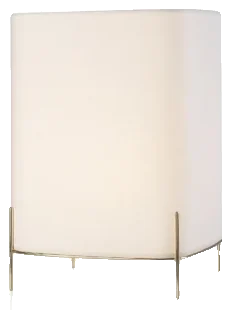
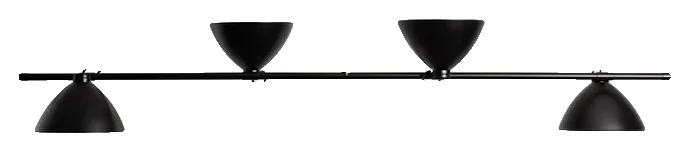 Підвісний світильник LBB01Lina Bo Bardi