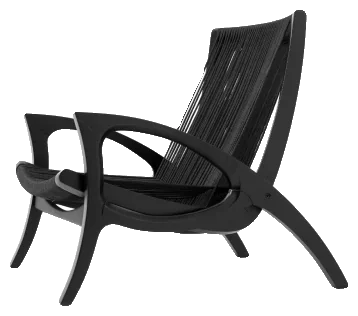
The library
You search by category, by name or by brand, and see the preview before downloading. When the product exists on the market, the spec sheet already brings brand, reference, supplier and dimensions.
FLUIO is a Windows app that puts 3D blocks, materials and HDRIs in one place — plus the tools that solve what comes after the download. You find what you need, download it, and the file arrives organized, ready to go into SketchUp or 3ds Max. No more treasure hunt on every project.
FLUIO isn’t another download site. And it isn’t a block pack you buy and forget in a folder.
It’s an app that connects a huge library to the way you already work in SketchUp and 3ds Max.
You search by category, by name or by brand, and see the preview before downloading. When the product exists on the market, the spec sheet already brings brand, reference, supplier and dimensions.
You install it on Windows and choose where your library lives. You download only what you’ll use. Then the app extracts, names and stores each file in the right place, inside the folder you chose. It stays on your disk. It’s yours.
Found the block? No more downloading a ZIP, hunting through the downloads folder, unzipping, renaming and importing by hand. In 3ds Max, Add to Scene drops the block into the open scene. In SketchUp, it’s Insert into SketchUp.
The idea is simple: less time looking after files, more time designing.
And you can start without paying anything. On the free plan you use the 3D Library, Materials, HDRIs, the Converter, UVW Map and FLUIO Base, with 20 blocks, 20 materials and 20 HDRIs to test on a project of your own.
I want to try FLUIOA tool for designers can’t just look good on a sales page. It has to hold up in the middle of a real project: tight deadline, revisions, a client changing their mind the night before.
So we won’t keep explaining. Look: the block leaves the library and lands in the scene, with its spec sheet. And then what happens day to day.
The layout is done, the camera is set, and the living room is missing an armchair. So you open the browser “just for five minutes”. Forty minutes later you have three options downloaded: one with no material, one weighing 200 MB, and none with the reference the client is going to ask for.
That’s why we put everything in one place:
And there’s the part that matters most at the end of a project. Everyone who designs knows the question that comes right after the client approves:
“Where do I buy this?”
In SketchUp, the 37,672 blocks come from the manufacturers’ own collections — more than 580 brands sold on the Brazilian market.
Materials work the same way: 9,271 of them come with brand and reference.

In other words: the porcelain tile the client approved in the render has a name, a line and a manufacturer. The sink is the Deca one, and it goes straight into the specification book. No hunting for it afterwards.
Files were never the problem. There are files everywhere.
The problem is the path to them. You open SketchUp to get work done, you need a lamp, and off it goes: one site, another site, a ZIP that won’t open in your version, a texture that didn’t come with it. That block you used three projects ago is in some folder called “Downloads (3)”. Before you know it, an hour is gone and the project hasn’t moved.
And it doesn’t happen once. It happens every day, on every project. Each interruption is small, but they add up — and your deadline pays for it.
That’s exactly what we set out to solve. In FLUIO, the block, the material and the HDRI are in the same library. Your library stays organized on your disk. And converting and fixing textures happen in the same place.
It’s not about having more files. It’s about reaching the right one and using it without a fight.
Download FLUIO for Windows, sign in and choose where to keep your library. Files stay on your computer, not in a cloud you don’t control.
Search, see the preview, choose, download. The app does the rest: it extracts, organizes and leaves the file ready. No repeating the same manual ritual for every block.
Insert straight into SketchUp or 3ds Max. And when the job asks for more than dropping in a block, the converter, UVW and organizing are right there, in the same app.
For those who have noticed that time spent outside the project is also part of the project’s cost. It just doesn’t show on the drawing.
To find furniture, materials and finishes without dropping the project every time something is missing.
So the image the client approves is made with products and finishes that exist — and that you can specify.
For specifying fixtures, fittings, lighting and finishes with real brands and dimensions, without drawing every piece from scratch.
For anyone working with a big library who needs to find, convert, organize and reuse without losing time.
For those who live between blocks, textures, HDRIs and render engines, and know how much time goes into small tasks repeated in every scene.
For those who have piled up years of files across folders, downloads and ZIPs and want to turn it into a library the whole team can actually use.
Furniture, lighting, bathroom fixtures, appliances and objects, for SketchUp and 3ds Max. See the preview, download, insert.
And for items that exist on the market, the spec sheet brings brand, reference, supplier and dimensions. Then the block stops being just “a pretty object in the render” and actually helps when it’s time to specify.
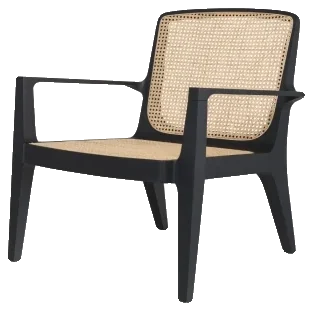 Bossa armchair
Wood, stone, fabric, porcelain tile, paint, MDF. Textures and maps ready to render and, when the material comes from a brand, with the product identified.
You choose by how it looks and walk away knowing what to specify.
Take a 3ds Max file and turn it into a SketchUp component. Before converting, you decide: mesh true to the original or optimized, material in native SketchUp PBR or in V-Ray.
To convert, the computer needs 3ds Max, from 2021 to 2027, and SketchUp 2025 or newer installed.

Sometimes the material is right and the image is still wrong. Wood stretches on the curved top, the grain turns sideways on the panel, stone breaks at the seam. That isn’t a bad texture. It’s projection.
In UVW Map you work seams, islands and projection inside SketchUp and get direction, scale and continuity right. It matters most on tops, panels, wood, curved pieces and any surface where the material tends to stretch or break.
992 HDR panoramas, each with previews. You see the sky, the environment and the mood of the light before spending a test render on each option. And when you find one that works, you find it again on the next project.
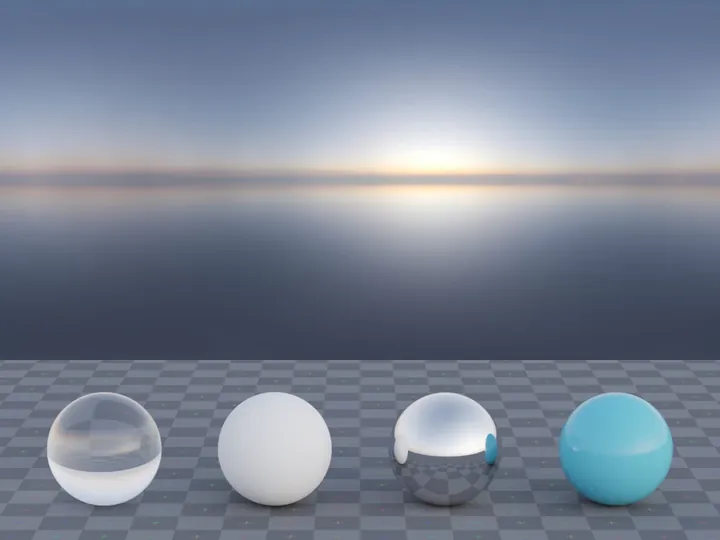
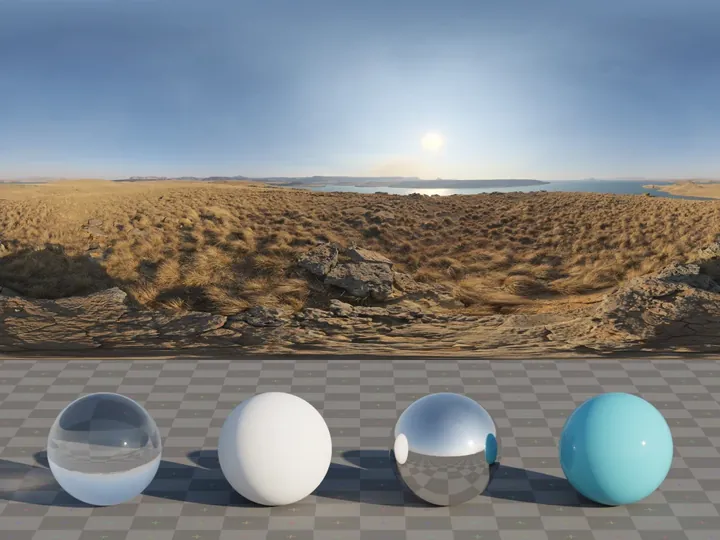
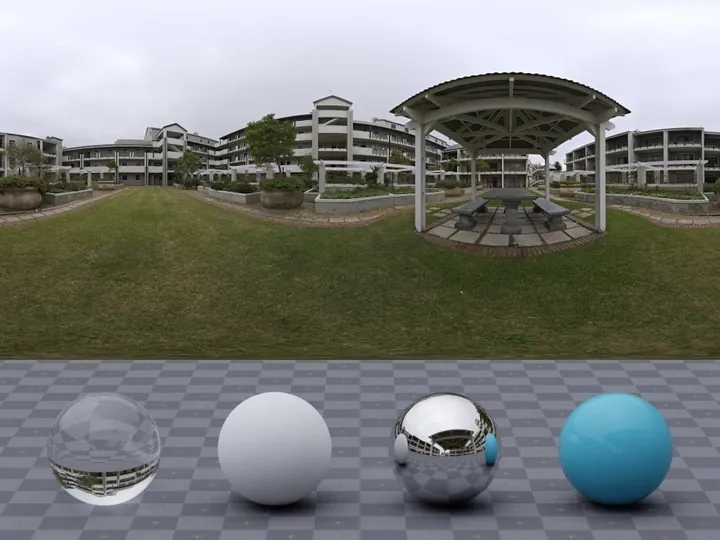
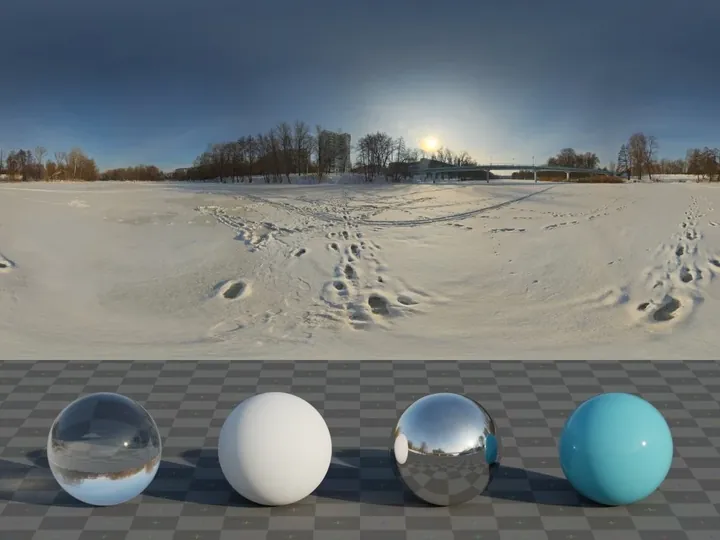
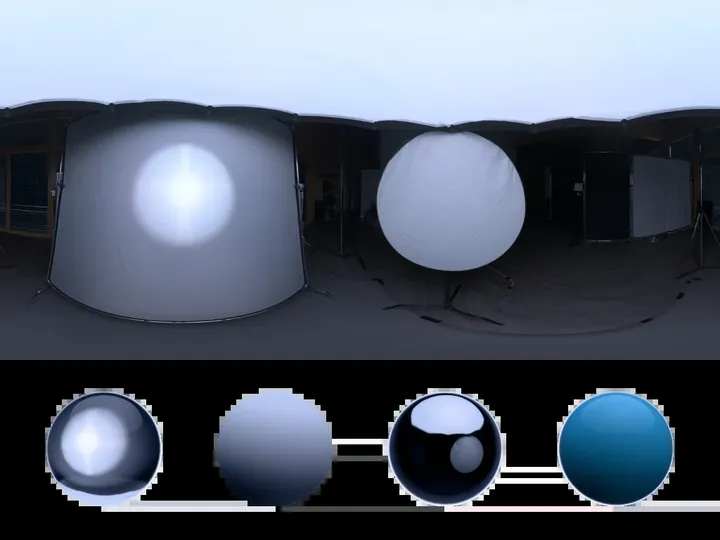 Qwantani at dawnClear sky
You probably already have hundreds, maybe thousands of files. They’re just scattered across folders, ZIPs, old downloads and names that no longer mean anything.
FLUIO Base organizes that library too. You set the standard, organize the items, generate previews and keep an inventory of what exists on your computer — with PBR texture tools included.
Because collecting files for years and not finding them when you need them is practically the same as not having them.
armchair_final_v3 (1).zipBowl armchairBlocks / Seating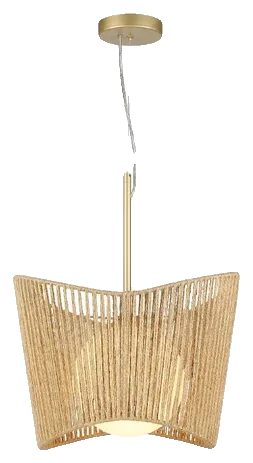 New folder (7)/pendant.skpCipó pendantBlocks / Lighting
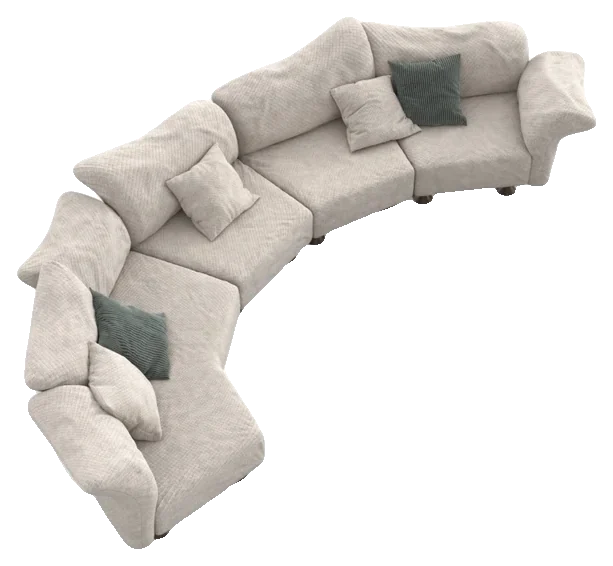 sofa (2).skpOnly Me sofaBlocks / Sofas
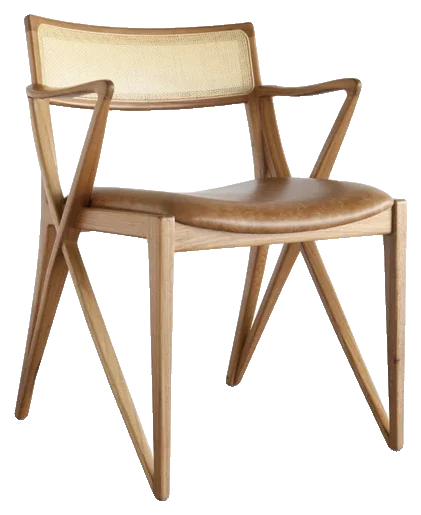 Downloads (3)/chair.maxOlivia chairBlocks / ChairsBowl armchairInsertBossa armchairDownloadCipó pendantInsert
 H armchairDownloadOlivia chairInsertJasmine armchairDownload
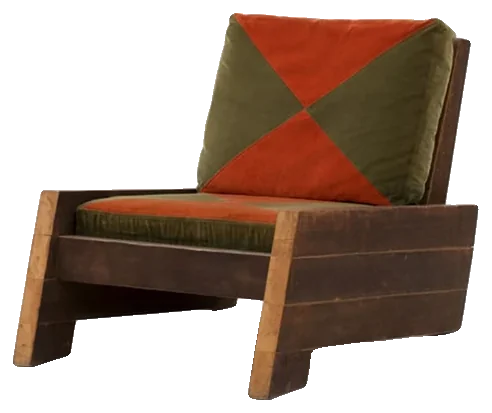 Astúrias armchairDownload
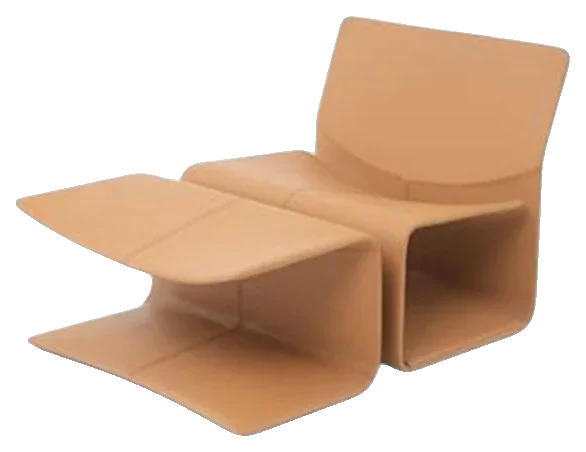 Ôca armchairDownload
Bought it and it didn’t make sense? You have 7 days after purchase to withdraw and ask for a refund. It’s the right of withdrawal for online purchases (art. 49 of the Brazilian Consumer Protection Code), and we’d rather make it clear here than hide it in the footer.
So really use those days. Open the app, explore the library, test the flow on a project of yours, try the tools. If it doesn’t fit your routine, just ask.
FLUIO is just starting to sell. So we won’t fill this page with made-up testimonials or numbers that don’t exist yet.
What you can check today is the product itself.
And most of all: a free plan so you can test before paying anything.
You don’t have to believe a promise. Open FLUIO and see how it behaves on your project.
Try FLUIO freeI’m Matheus Basílio, a civil engineer with more than 10 years in the field.
After so many years living with projects, file libraries, changes, specifications and all the small tasks that pile up around the main work, one thing became very clear to me: most hours aren’t lost designing.
FLUIO was born from that. Software should take steps out of a designer’s way, not add new ones.
That’s why I didn’t want to build just another place to download files. I put the library and the tools in the same flow, so finding a resource is just the start of the work — not half of it.
Matheus Basíliofounder of FLUIO
Even better. FLUIO doesn’t want you to throw away what you’ve collected over the years. FLUIO Base exists precisely to organize that library.
And honestly: almost nobody in this line of work has too few files. The usual is having too many — and not finding them when you need them.
Sure you can. The question is what the whole process costs.
A free file may not cost money. But it costs time.
What FLUIO sells isn’t just the file. It’s the shortest path between “I need this” and “it’s already in my project”.
Then most of FLUIO is already for you. Library, materials, block insertion, UVW Map and organizing work directly in SketchUp.
3ds Max only comes in for the Converter. Everything else works without it.
That’s exactly why the free plan exists. No subscription: download your first blocks, test materials and HDRIs, open the tools and see if FLUIO fits the way you work. Subscribe only when it makes sense.
You won’t be. What you download is saved on your computer. If you stop subscribing, you lose new downloads and the plan’s features — but everything already saved stays with you.
I’d ask a different question: what is an hour of yours worth?
Now think about how many searches, downloads, imports, conversions and cleanups you repeat in a month. FLUIO doesn’t need to eliminate all of them to pay for itself. It just has to give part of that time back to the work that actually makes money.
There’s simple math behind FLUIO, and you can run it with your own numbers.
Picture an interiors project with 40 blocks between furniture, lighting, fixtures and decor. If each one takes about 10 minutes between finding, downloading, unzipping, checking and importing, that’s almost 7 hours just on that — before counting materials and HDRIs. Now multiply by the month’s projects.
Each manual step looks small on its own. Repeated dozens of times across projects, it stops being small. That’s the part FLUIO removes or shortens.
Example math, with the numbers you choose. Materials and HDRIs are left out.
And there’s another, less obvious point.
You have to remember where to look.
depends on your memoryThe question becomes what to look for.
depends on a searchThat’s why an organized library isn’t “more files”. It’s work infrastructure.
Thursday night, and the presentation is tomorrow at nine.
The client asked to swap the living room tile, and nothing on your disk comes close to what they described.
The armchair they loved in the last render has no reference at all — you downloaded it from a site you don’t even remember.
The sky in the test render came out flat.
And you’re sure you already had a similar lamp, you just don’t know which folder.
By the end of the night you worked a lot. It’s just that much of that work doesn’t show in the project.
And what we want, deep down, isn’t “a bigger library”. It’s opening the project and moving forward. Finding fast, choosing better, reusing what you already have, presenting with confidence — and ending the day having spent more time creating than looking for files.
That gap between searching and producing is what FLUIO wants to shrink.
FLUIO won’t tell you there’s only one right way to work. You can keep building your own library, downloading from many sites, buying separate packs and organizing everything by hand. All of that works.
The real question is: how much of your time do you want to keep spending to keep that system standing?
The FLUIO app for Windows, the library within your plan’s limits and the subscription’s tools.
Yes. You test with 20 blocks, 20 materials and 20 HDRIs in total, and use that plan’s tools.
No. You download only what you’ll use.
Into the folder you choose, on your own computer.
To browse the library and download new files, you need a connection. Without internet, the app opens, shows what you’ve already downloaded and you keep using those files.
No. What’s saved stays on your computer. What ends are new downloads and the plan’s features.
Yes. In projects, images, renders and client presentations. What you can’t do is resell or redistribute the library’s files.
No. The license is for using it in your projects, not for redistributing the files — neither individually nor as a library.
Not to use FLUIO. Only the 3ds Max → SketchUp Converter needs 3ds Max installed.
3ds Max 2021 to 2027, with SketchUp 2025 or newer on the same computer.
For now, FLUIO is Windows only.
No. The limit renews every month, according to the plan, and whatever is left doesn’t carry into the next month.
No. Each has its own quota.
No. It’s 12 months of access, and that’s it.
No. The 12 months are unlocked at purchase, even when paying in 12 installments.
No. The offer is the product: the library and the tools on this page.
Yes. You can withdraw within 7 days after purchase and ask for a refund (art. 49 of the Brazilian Consumer Protection Code). Downloads made in that period may be deducted proportionally.
Through WhatsApp and the chat inside the app.
Yes. That’s what FLUIO Base is for.
Stuck on installation? Didn’t get a tool? Something didn’t behave as it should? Talk to us on WhatsApp or through the chat inside the app.
Support happens in the same place you’re working. No opening a ticket on another site and waiting days for an answer.
FLUIO. Less time searching. More time designing.
Your next project will ask for a block. Then a material, another block, a texture, maybe an HDRI, maybe a conversion.
You can keep solving each of these things separately. Or you can try a flow where the library, your own files and the tools work together.
And you don’t even have to subscribe to find out which one works better for you. Create your account, install FLUIO and download your first 20 blocks, 20 materials and 20 HDRIs.
$0 to start.
You don’t have to pay to find out whether FLUIO works for you. Start free, install it, download your first files and use the tools on a project of your own. Then decide.

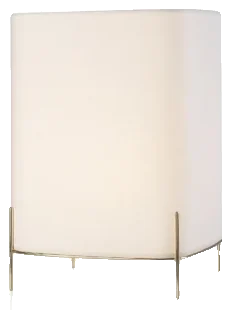
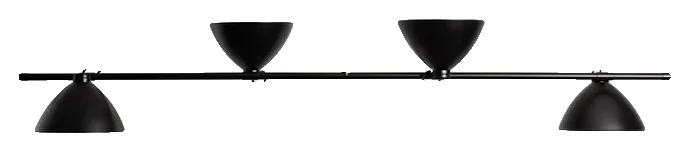 LBB01 pendantLina Bo Bardi