Skip to content
fluio
Visual quality doesn’t have to delay your projects.

Design better,
in less time.

Create more realistic presentations with 3D models and materials from real brands.

Meet Fluio., the app that brings together 94,966 digital resources, including 3D blocks for SketchUp and 3ds Max, PBR materials and HDRIs, to speed up the development of your projects, raise the visual quality of your presentations and make it easier to work with products from real manufacturers.

02 / 17

Discover 4 ways to transform your design routine with Fluio.

  1. Find the right 3D models and materials without wasting hours searching different websites and libraries.

    Access thousands of 3D blocks, including furniture and objects from real brands on the market, to put together spaces more quickly, devote more time to creating and make it easier to specify the products you present to your clients.

  2. Create more realistic presentations without having to model and set up every detail from scratch.

    Make the most of 3D blocks, manufacturers’ PBR materials already set up for rendering, and HDRIs to compose more visually sophisticated spaces, explore different finishes and create presentations that bring out the best in your ideas, without spending unnecessary hours of work.

  3. Speed up your deliveries without giving up the visual quality of your projects.

    Use a complete collection of furniture, surface finishes and staging resources to test different compositions, respond to client changes and produce presentations more quickly, freeing up time in your schedule for new projects.

  4. Less operational work. Much more productivity in every project.

    Fluio. automates the steps that eat up your time: it downloads, organizes and applies 3D blocks and materials directly in SketchUp or 3ds Max, already set up for rendering, so you don’t lose time on downloads, folders, imports or manual material tweaks. With tools for model conversion, texture mapping and access to products from real brands, you cut out repetitive tasks and gain more time to create impressive presentations, take on more projects and increase your output without working longer hours.

Stop wasting time
start using Fluio.
now

04 / 17

Finding a good 3D model is only part of the job.

Once you find it, you still need to be able to use it.

And it’s exactly along that path that a lot of unnecessary tasks show up.

  1. Search.
  2. Download.
  1. Extract.
  2. Organize.
  3. Locate.
  4. Import.

Now imagine simplifying that sequence.

  1. Find.search · download
  2. Apply.extract · organize · locate · import
  3. Create.

Find. Apply. Create.

Project in Flow.

An experience designed to connect digital resources to your ideas, with fewer operational interruptions.

Find

The end of digital scavenging.

You need an armchair to complete a living room.

Instead of starting a new search across different websites, open Fluio.

Search with keywords or describe what you’re looking for.

Use the smart search and the filters by category, color and brand to explore the available resources.

Find different furniture and object options, including models tied to real manufacturers’ products.

94,966 digital resources organized in a single app.

Less time searching. More possibilities to create.

Apply

Found it. Clicked. Applied.

Once you’ve chosen the resource, the next step should be simple: using it in the project.

With Fluio. connectors for SketchUp and 3ds Max, you can download and apply compatible resources directly in your software.

Without having to manually go through the whole conventional sequence of individual downloads, extractions and imports.

This is One Click to Go.

A mechanism designed to shorten the distance between finding a resource and using it.

You choose.

Fluio. simplifies the application.

And the project keeps moving forward.

Create

More time for your ideas to take shape.

With the resources in your project, you can focus your attention on what truly requires knowledge and creativity.

Combine furniture and objects to compose spaces.

Explore PBR materials to represent different surface materials and finishes.

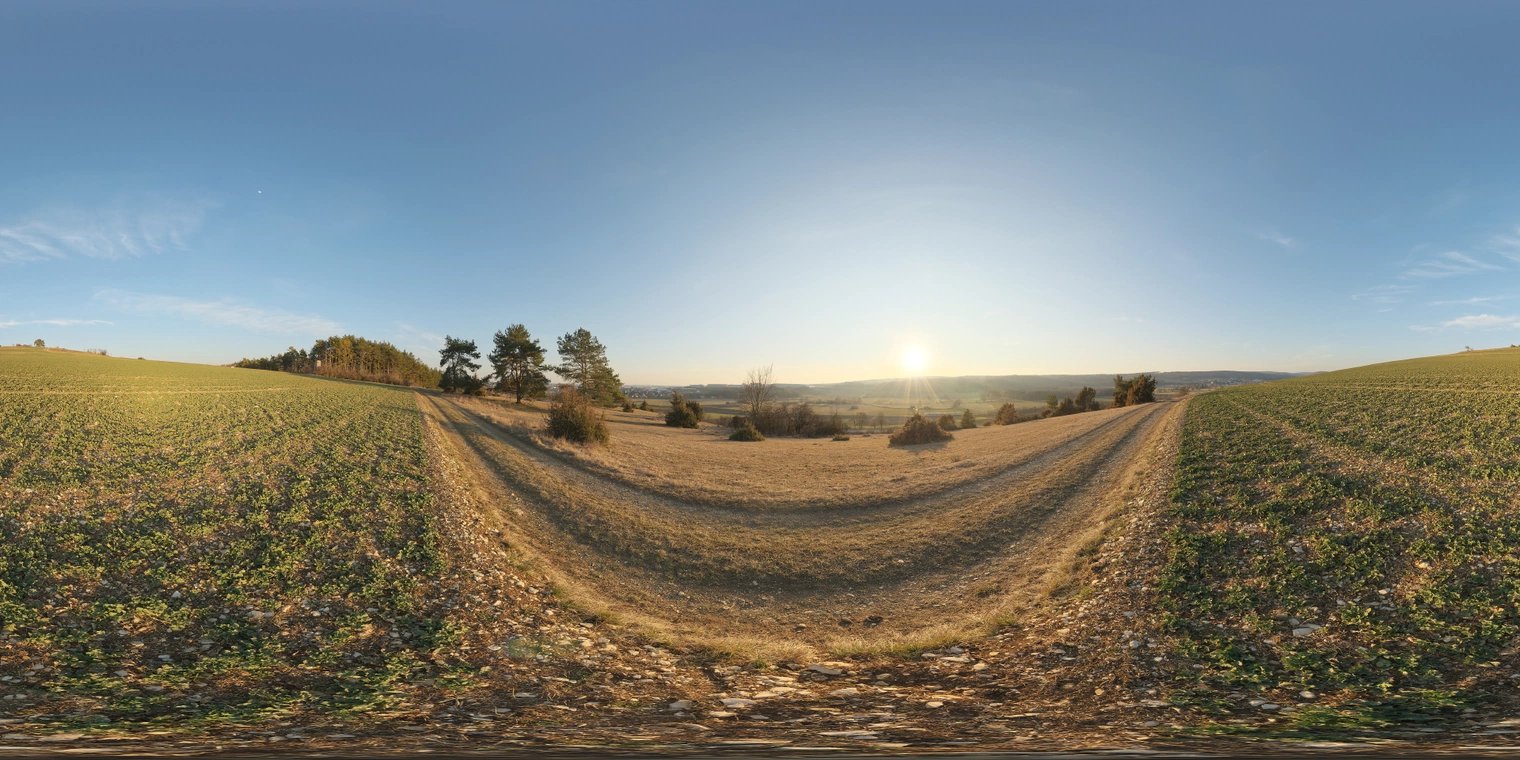
Try out HDRIs to develop the lighting and atmosphere of your scenes.

Use dynamic blocks to make certain modeling and adaptation tasks easier.

And, when you need to work with real products, explore the models linked to manufacturers and the information available to support specification.

More freedom to test ideas.

More ease in developing visually elaborate presentations.

Fewer interruptions between imagining and executing.

This is the Project in Flow Method.

A more integrated way to find resources and use them in your projects.

It isn’t a training course you need to complete.

It’s the experience Fluio. was built to deliver.

Less time with files.
More time creating

Who Fluio. is for

Made for those who turn ideas into projects.

It doesn’t matter whether you’re putting together your first portfolio or developing several projects at the same time.

If you use SketchUp or 3ds Max and want to work faster, Fluio. can be part of your routine.

For architects and interior designers

  • Who develop projects on their own and need to make better use of their time.
  • Who spend hours searching for furniture, objects and surface finishes.
  • Who get change requests close to presentations.
  • Who want to work with models of products from real manufacturers.
  • Who want to create more elaborate presentations without modeling every element from scratch.

For architecture, engineering and interior design firms

  • That work on several projects at the same time.
  • That need to better organize access to digital libraries.
  • That want to reduce their team’s repetitive tasks.
  • That are looking for more agility in responding to client demands.
  • That want to make better use of working hours.

For 3D artists and ArchViz professionals

  • Who develop scenes and images for architectural presentations.
  • Who need a variety of blocks, textures and HDRIs.
  • Who look for PBR materials to create more convincing finishes.
  • Who want to try out different visual compositions.
  • Who want to devote more time to the final quality of their images.

For students and early-career professionals

  • Who are still building their resource libraries.
  • Who need to develop academic projects and portfolios.
  • Who want to start with a more organized workflow.
  • Who use SketchUp or 3ds Max to turn ideas into presentations.
  • Who prefer to try a tool before committing to a subscription.

For those who work with real products and specifications

  • Who need to identify the brands and models used in presentations.
  • Who want to bring the visual design closer to products available on the market.
  • Who work with different furniture and finish options.
  • Who value information on manufacturers, models and product codes when available in the files.

What do all these professionals have in common?

They want to spend less time searching for and preparing files.

And more time on the decisions that make a difference in the project.

Visual quality doesn’t have to delay your projects.

No credit card. No required subscription.

06 / 17

Everything you need to find. In one place.

94,966

Fluio. is a productivity app for Windows that brings together digital resources and tools to make different stages of your project development easier.

  • Centralized libraries.
  • Smart search.
  • Integration with SketchUp and 3ds Max.
  • Models linked to manufacturers.
  • Complementary tools for working with materials, blocks and digital files.

All in one experience designed to simplify your workflow.

3D blocks

More possibilities to compose your spaces.

That’s 37,672 blocks for SketchUp and 38,437 for 3ds Max.

materials

17,865

Explore finishes with more freedom.

The collection includes 9,271 materials linked to 13 brands and another 8,594 PBR materials.

The available resources include photoscanned textures in 1K, 2K and 4K resolutions.

HDRIs

992

Lighting is part of the presentation too.

Dynamic blocks

165

More agility for certain modeling tasks.

Use the available dynamic features to make adaptations and repetitive operations easier, according to the characteristics of each block.

Fluio. brings together 37,318 SketchUp blocks linked to 581 brands, as well as materials linked to manufacturers.

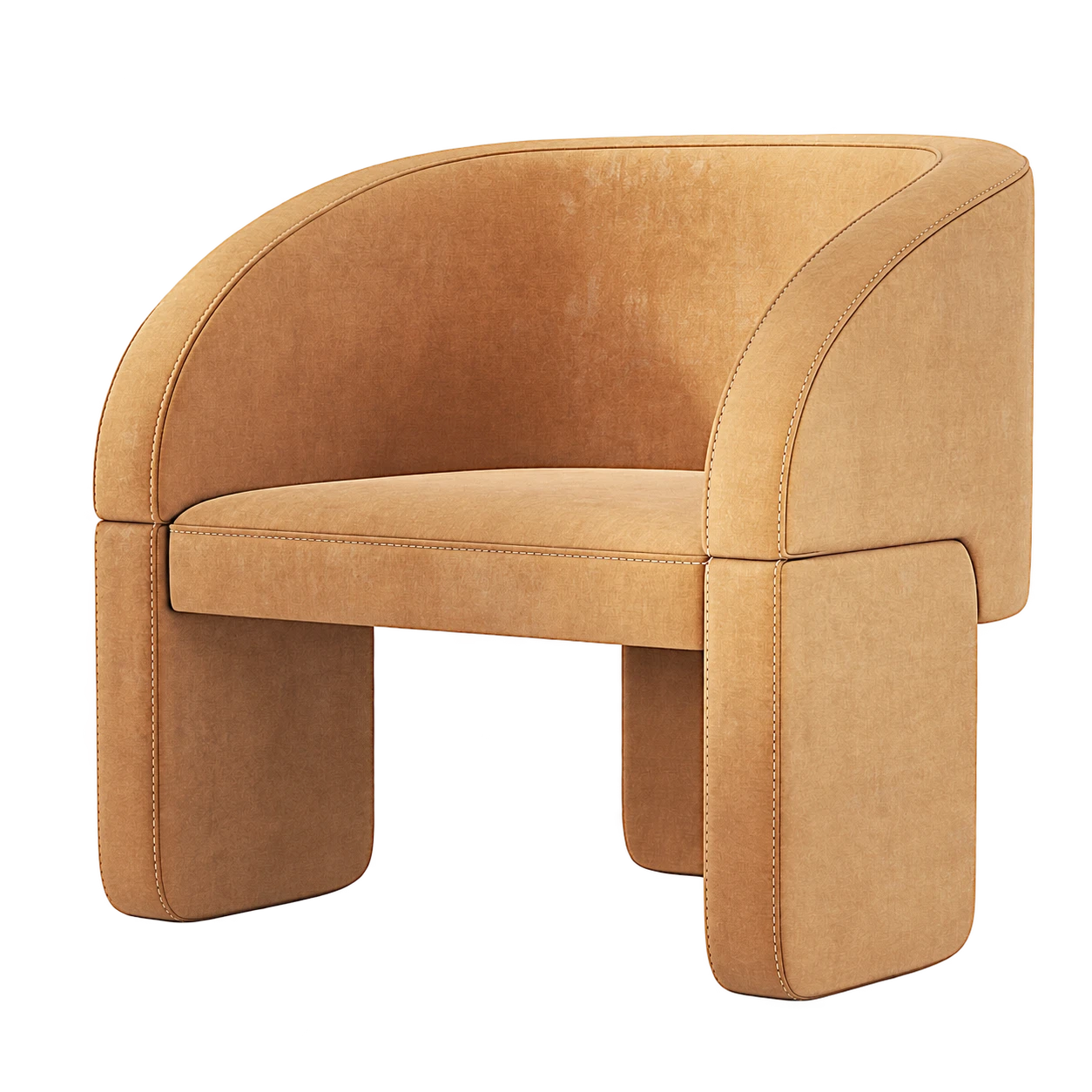
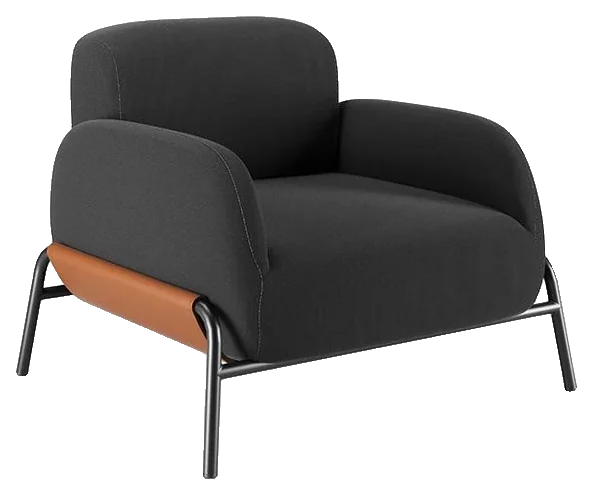
Jasmine armchair

Models of real products

Present with more clarity. Specify with more information.

Manufacturer
Tidelli
Code
3901
Finishes
Aluminum · Rope · Fabric
Dimensions
L 100 × P 88 × A 96 cm

A beautiful image helps the client understand the proposal.

But there’s an important difference between presenting a generic object and working with the representation of a manufacturer’s product.

For certain resources, you’ll find information such as manufacturer, model, product code and sales contact.

This data can support the identification and specification of the elements presented.

So, beyond creating visual compositions, you have more ways to connect the presentation to real market references.

Commercial availability, technical characteristics and information for each product must be confirmed with the manufacturer.

The file may be free. Your time isn’t.

No credit card. No required subscription.

Find resources without relying only on the exact file name.

Search using keywords or descriptions.

Refine results by category, color and brand.

Jasmine armchairTidelli

Fewer operations between choosing and using.

With the app’s connectors, you can apply compatible resources directly in SketchUp or 3ds Max.

Cut down on manual steps and keep working in the software you already know.

Fluio. doesn’t replace your design software.

It complements SketchUp and 3ds Max, simplifying access to and use of compatible digital resources.

07 / 17

You get access to:

  1. Centralized digital library94,966 digital resources, including 3D blocks, PBR materials and HDRIs, with download limits set by the chosen plan.
  2. Smart search and filtersFind options by keywords, descriptions, categories, colors and brands, and retrieve previously downloaded resources.
  3. Integration with SketchUp and 3ds MaxConnectors to download and apply compatible resources with fewer manual steps.
  4. Dynamic blocksFeatures that make certain modeling and adaptation tasks easier, subject to availability.
  5. Library of real manufacturersThousands of models linked to brands, with identification data available in certain files.

Plus complementary tools to expand your workflow.

07 / 17Bonus 01 / 04

Smart Texture Mapping

Fewer adjustments. More time to create.

Make texture mapping on 3D models easier and reduce certain repetitive manual settings.

More convenience when working with surfaces and finishes.

07 / 17Bonus 02 / 04

3D Block Converter

More freedom to make the most of your models.

A tool to convert models from 3ds Max to SketchUp, according to the supported formats and versions.

Make better use of compatible files and expand your reuse possibilities.

07 / 17Bonus 03 / 04

PBR Texture Studio

Create. Enhance. Customize.

A set of two tools to expand what you can do with materials.

  • PBR Texture Generator: create materials and explore finish alternatives for your projects.
  • AI Upscale: use artificial intelligence to increase texture resolution.

More freedom to experiment and work with custom materials.

07 / 17Bonus 04 / 04

Block and Texture Organizer

Your files organized. Your ideas in motion.

Make it easier to organize and manage 3D blocks and textures.

Find organized files more conveniently and make it easier to reuse resources in your next projects.

07 / 17

Support and guidance materials

The Fluio. ecosystem also includes resources to make it easier to use:

  1. Briefing template for 3D spaces.

  2. Materials presentation template.

  3. Product specification sheet.

  4. Connector installation guide.

  5. Scene preparation checklist.

  6. Search and filters guide.

  7. Help Center.

  8. Hands-on demonstrations of the features.

The support materials complement the app. Fluio. is not sold as a course or mentoring program.

The tools and features available depend on the chosen plan.

Get to know it first. Decide later.

No credit card. No required subscription.

08 / 17Guarantee

Try it with peace of mind.

A good tool needs to make sense for your work.

That’s why, when you sign up for a paid Fluio. plan, you have 7 days to try the app and see whether it meets your needs.

01 / 03

Explore the libraries.

02 / 03

Test the available features.

03 / 03

Get to know the workflow.

  1. Explore the libraries.
  2. Test the available features.
  3. Get to know the workflow.

If you decide not to continue within that period, you can request a full refund of the amount paid, without having to give a reason, according to the refund conditions.

Want to start without paying anything?

The free plan lets you try Fluio. without a credit card or a required subscription. Get to know it first. Decide later.

Monthly and annual plans01 / 09

09 / 17Proof

The best wayto get to know Fluio.is by using it.

We are just startingour journey.

That’s why we don’t yet have customer testimonials to show on this page.

And we would ratherbe transparent.

We won’t show made-up results, productivity numbers that were never measured or stories from people who never used our app.

Get to know Fluio.for what itreally offers.

Try it.Explore it.Decide for yourself.

You don't have to take our word for it. Create an account, install the app and try it before choosing a paid plan.

No made-up testimonials01 / 05

11 / 17What you might be thinking

You may have some questions.

“But I already find blocks and textures for free on the internet.”

“I already have a huge library on my computer.”

“What if I can’t find the model I’m looking for?”

“I don’t want to learn another complicated program.”

“Will I really save time?”

“I don’t want to pay before testing.”

“I’m not sure I’ll use the app every month.”

“What if I buy it and don’t like it?”

00 / 08

The answer

And that is fine.

But finding a file doesn’t mean it’s ready to use. Searching, comparing, downloading, unzipping, organizing and importing takes time.

The file may be free. Your time isn’t.

Fluio. doesn’t require you to abandon your current libraries. It complements your workflow with other resources, smart search, integration and organization tools.

The question isn’t just how many files you have. It’s how easy it is to use what you need.

No library can guarantee it will have every file imaginable.

That’s why Fluio. offers a free plan.

Fluio. wasn’t developed to replace the software you already work in. The idea is to integrate searching for and applying resources into SketchUp and 3ds Max.

You keep creating in the software you know.

The productivity gain depends on your workflow, the type of resource you use and the tasks you perform. That’s why we won’t promise a fixed number of hours saved.

You can experience that difference on a real task.

You don’t have to.

Create your account for free, get to know the app and use the resources available on the free plan. If it makes sense, choose a subscription.

If you want more resources without committing to 12 months, the monthly plan offers flexibility.

If you already use digital libraries regularly, the annual plan offers higher limits and a lower total cost over the period.

Paid plans come with a 7-day unconditional guarantee.

Within that period, you can request a full refund according to the guarantee conditions.

Questions

11 / 17Questions

You may have some questions. And that is fine.

“But I already find blocks and textures for free on the internet.”

But finding a file doesn’t mean it’s ready to use. Searching, comparing, downloading, unzipping, organizing and importing takes time.

The file may be free. Your time isn’t.

“I already have a huge library on my computer.”

Fluio. doesn’t require you to abandon your current libraries. It complements your workflow with other resources, smart search, integration and organization tools.

The question isn’t just how many files you have. It’s how easy it is to use what you need.

“What if I can’t find the model I’m looking for?”

No library can guarantee it will have every file imaginable.

That’s why Fluio. offers a free plan.

“I don’t want to learn another complicated program.”

Fluio. wasn’t developed to replace the software you already work in. The idea is to integrate searching for and applying resources into SketchUp and 3ds Max.

You keep creating in the software you know.

“Will I really save time?”

The productivity gain depends on your workflow, the type of resource you use and the tasks you perform. That’s why we won’t promise a fixed number of hours saved.

You can experience that difference on a real task.

“I don’t want to pay before testing.”

You don’t have to.

Create your account for free, get to know the app and use the resources available on the free plan. If it makes sense, choose a subscription.

“I’m not sure I’ll use the app every month.”

If you want more resources without committing to 12 months, the monthly plan offers flexibility.

If you already use digital libraries regularly, the annual plan offers higher limits and a lower total cost over the period.

“What if I buy it and don’t like it?”

Paid plans come with a 7-day unconditional guarantee.

Within that period, you can request a full refund according to the guarantee conditions.
13 / 17

More autonomy to work. Help when you need it.

A Help Center with guidance on installation, use and features. On paid plans, technical support through the built-in chat during your access period.

14 / 17Your hour

Now think about the value of your hour.

How much does it cost to devote part of your day to tasks that don’t directly represent creating or developing the project?

01 / 05

That hour could be used to review a proposal.

02 / 05

Try out a new material.

03 / 05

Prepare a presentation.

04 / 05

Serve another client.

05 / 05

Or simply finish the work with less pressure.

  1. That hour could be used to review a proposal.
  2. Try out a new material.
  3. Prepare a presentation.
  4. Serve another client.
  5. Or simply finish the work with less pressure.

Your job is to design.

Not to manage downloads.

Fluio. exists to simplify part of these operations.01 / 09

14 / 17Capabilities

A large library doesn’t necessarily mean an efficient workflow.

You can have thousands of saved files and still spend time locating the resource you need.

The problem isn’t just the amount available. It’s also how easy it is to find and use.

That’s why Fluio. brings together three capabilities in a single experience.

1 / 3

Resources organized in one app.

2 / 3

Search by keywords, descriptions and filters.

3 / 3

Applying compatible files through connectors.

Each of these capabilities solves one part of the process.

  1. CentralizationResources organized in one app.
  2. IntelligenceSearch by keywords, descriptions and filters.
  3. IntegrationApplying compatible files through connectors.

Together, they aim to reduce the work between intention and execution.

Working with real products also makes a difference.

With models linked to manufacturers, professionals have references closer to the market and, in files with structured data, information that helps identify the products.

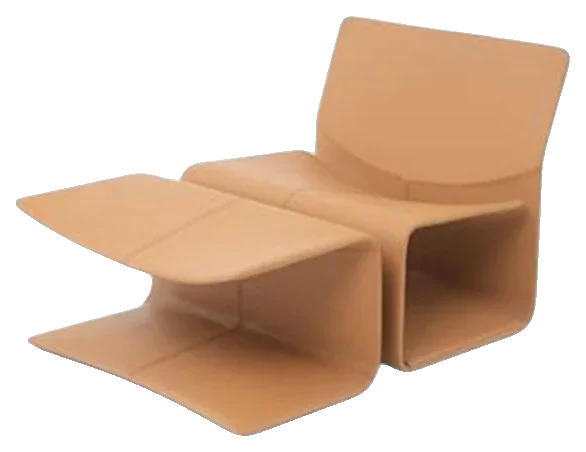
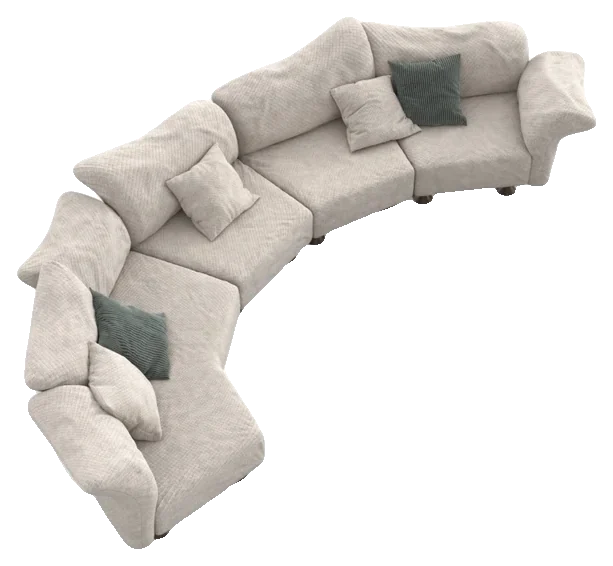
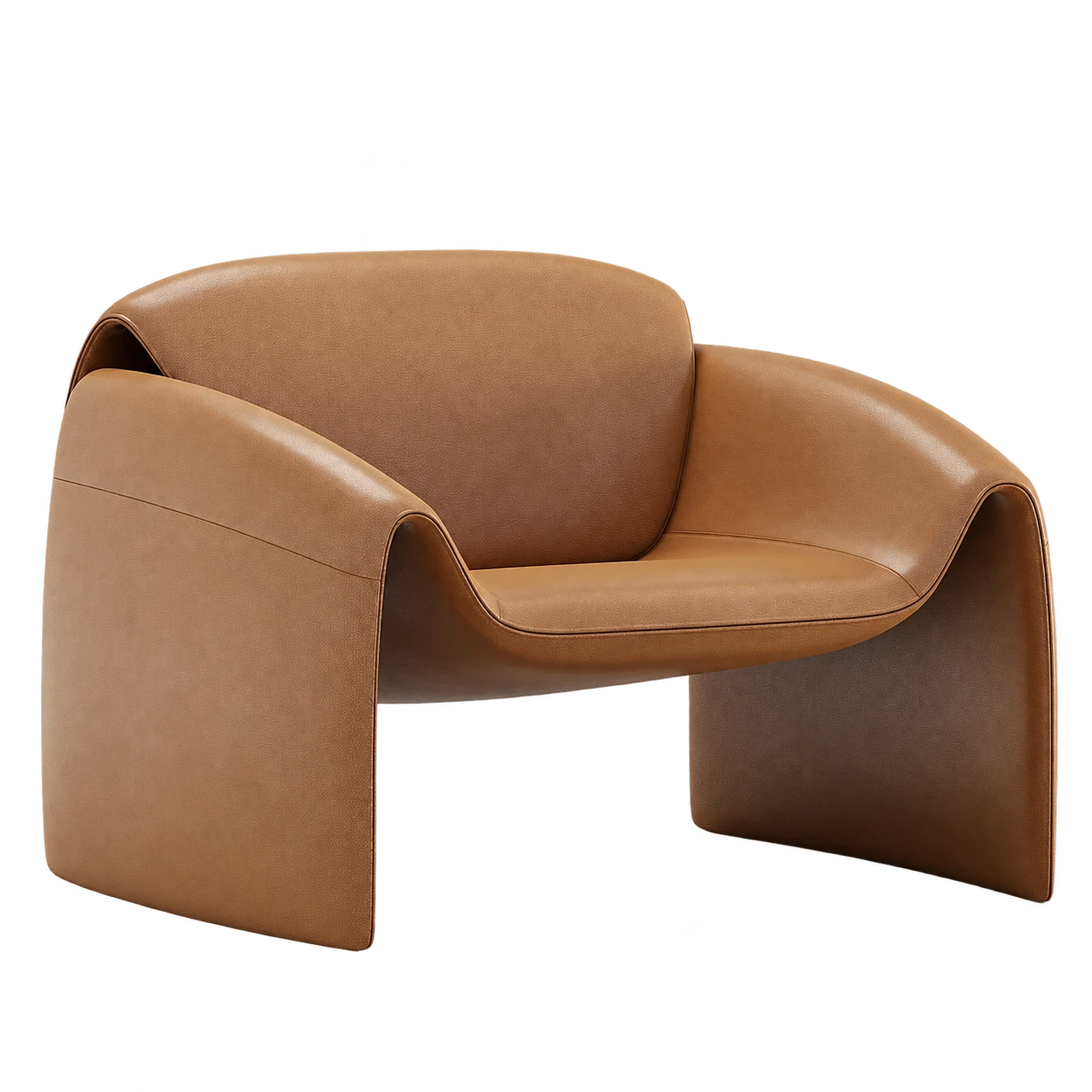
LazybonesBaxter

From intention to execution01 / 09

15 / 17The search

One website.

Another website.

One more library.

A file that doesn’t open as expected.

A texture that doesn’t match the result you want.

Another search.

A good idea shouldn’t stop because you still have to find a file.

You know the situation.The proposal is clear.The space has already taken shape.

You know which furniture, materials and finishes you want to use.

But you’re still missing one specific model to complete the scene.

So the search begins.

And, before you know it, you’ve spent a considerable part of your time on tasks that weren’t related to the creative decision itself.

Now imagine a different experience.

01 / 06

You open the app.

02 / 06

You find furniture and object options.

03 / 06

You select a compatible resource.

04 / 06

You apply it in the software.

05 / 06

You try another finish.

06 / 06

You keep composing.

Now imagine a different experience.

  1. You open the app.
  2. You find furniture and object options.
  3. You select a compatible resource.
  4. You apply it in the software.
  5. You try another finish.
  6. You keep composing.

Because the goal was never to pile up files.

It was to use the right resources to turn your ideas into projects.

The search · another experience01 / 20

15 / 17Freedom

More than speed, it’s freedom to create.

01 / 05

to test layouts without a long search at every change.

02 / 05

to try finishes and materials more easily.

03 / 05

to explore different styles, even with a small personal library.

04 / 05

to handle client changes with a less fragmented process.

05 / 05

and to put more energy into the decisions that need your experience.

More than speed, it’s freedom to create.

  1. to test layouts without a long search at every change.
  2. to try finishes and materials more easily.
  3. to explore different styles, even with a small personal library.
  4. to handle client changes with a less fragmented process.
  5. and to put more energy into the decisions that need your experience.

01 / 07

15 / 17What if

What if part of the time spent on operational tasks could be put to better use?

01 / 04

Maybe to develop a second proposal.

02 / 04

Maybe to move forward on the next project.

03 / 04

Maybe to update your portfolio.

04 / 04

Or to end the workday with more peace of mind.

  1. Maybe to develop a second proposal.
  2. Maybe to move forward on the next project.
  3. Maybe to update your portfolio.
  4. Or to end the workday with more peace of mind.

The fewer unnecessary operations there are between you and the project, the more room is left to create.

These are possible benefits of a more efficient workflow. Results depend on how the tool fits into each professional’s routine.01 / 07

16 / 17About the creator

Behind Fluio., an obsession with doing better.

I’m Matheus Basilio, a civil engineer and the creator of Fluio. I’ve always been obsessed with productivity.

Not just doing more. But finding better ways to carry out what needs to be done.

Simplifying processes.

Reducing unnecessary steps.

Making better use of time.

Instead of accepting as inevitable a sequence of manual searches, downloads, extractions, folders and imports, I wanted to create an experience capable of integrating part of that process.

Technology developed with one purpose: to simplify.

01 / 04

A centralized collection.

02 / 04

A smart way to search.

03 / 04

Connectors to make applying resources easier.

04 / 04

Tools to reduce part of the repetitive work.

Technology developed with one purpose: to simplify.

  1. A centralized collection.
  2. A smart way to search.
  3. Connectors to make applying resources easier.
  4. Tools to reduce part of the repetitive work.

Because I believe technology should make work easier. Not create more work.

Matheus Basilio

Less time with files. More time with projects.

Civil engineer · creator of Fluio.01 / 13

The goal is simple: to help you keep creating.

17 / 17Comparison

You can keep searching for resources the same way. Or try a more integrated workflow.

Instead of

Searching different websites

A centralized collection.

94,966 digital resources brought together in one app.

Instead of

Downloading and preparing manually

One Click to Go.

Use connectors to apply compatible resources directly in your software.

Instead of

Keeping files in scattered folders

Simplified reuse.

Locate previously downloaded resources and explore organization tools.

Instead of

Looking up products in separate catalogs

Models from real manufacturers.

Work with representations of products linked to brands and identification information when available.

Instead of

Working with isolated tools

Complementary tools.

Access conversion, mapping, creation, enhancement and organization features according to your plan.

With Fluio.

  1. A centralized collectionInstead of Searching different websites94,966 digital resources brought together in one app.
  2. One Click to GoInstead of Downloading and preparing manuallyUse connectors to apply compatible resources directly in your software.
  3. Simplified reuseInstead of Keeping files in scattered foldersLocate previously downloaded resources and explore organization tools.
  4. Models from real manufacturersInstead of Looking up products in separate catalogsWork with representations of products linked to brands and identification information when available.
  5. Complementary toolsInstead of Working with isolated toolsAccess conversion, mapping, creation, enhancement and organization features according to your plan.

It’s not just about finding files. It’s about simplifying the path between finding and using.

The usual way · with Fluio.01 / 08

17 / 17Start now

Your ideas deserve more time.

You already devote knowledge, creativity and attention to your projects.

You don’t need to make searching for and preparing digital resources an even bigger part of the job.

And a way to start without paying anything.

Create your free account, explore the app and decide whether Fluio. deserves a place in your project routine.

No credit card. No required subscription.

Find. Apply. Create.01 / 03

Fluio.Project in Flow

Find. Apply. Create.

Design better, in less time.

Less time with files. More time with projects.

© Fluio.